Commands
What every PandaBot command looks like in Discord. Most people type the p! commands
(and !like to save); each one also works as a slash command, and a few settings are slash-only.
p!help lists them all in Discord.
Saving songs
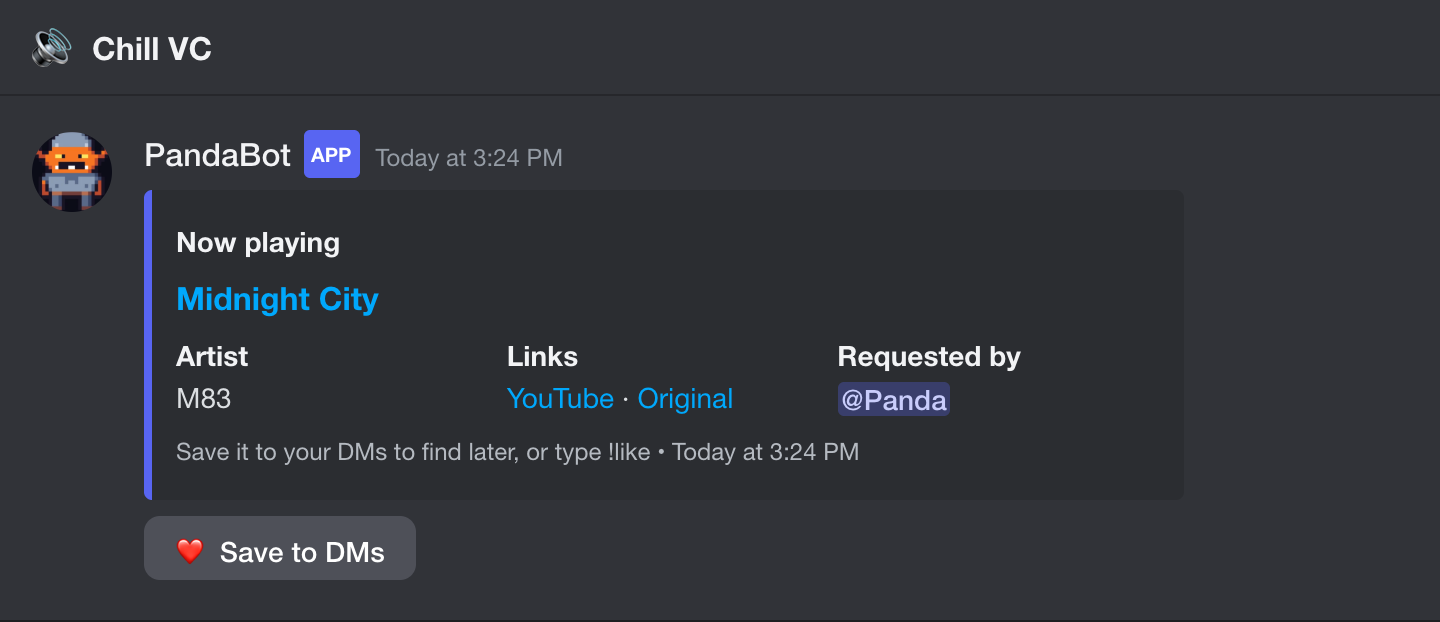
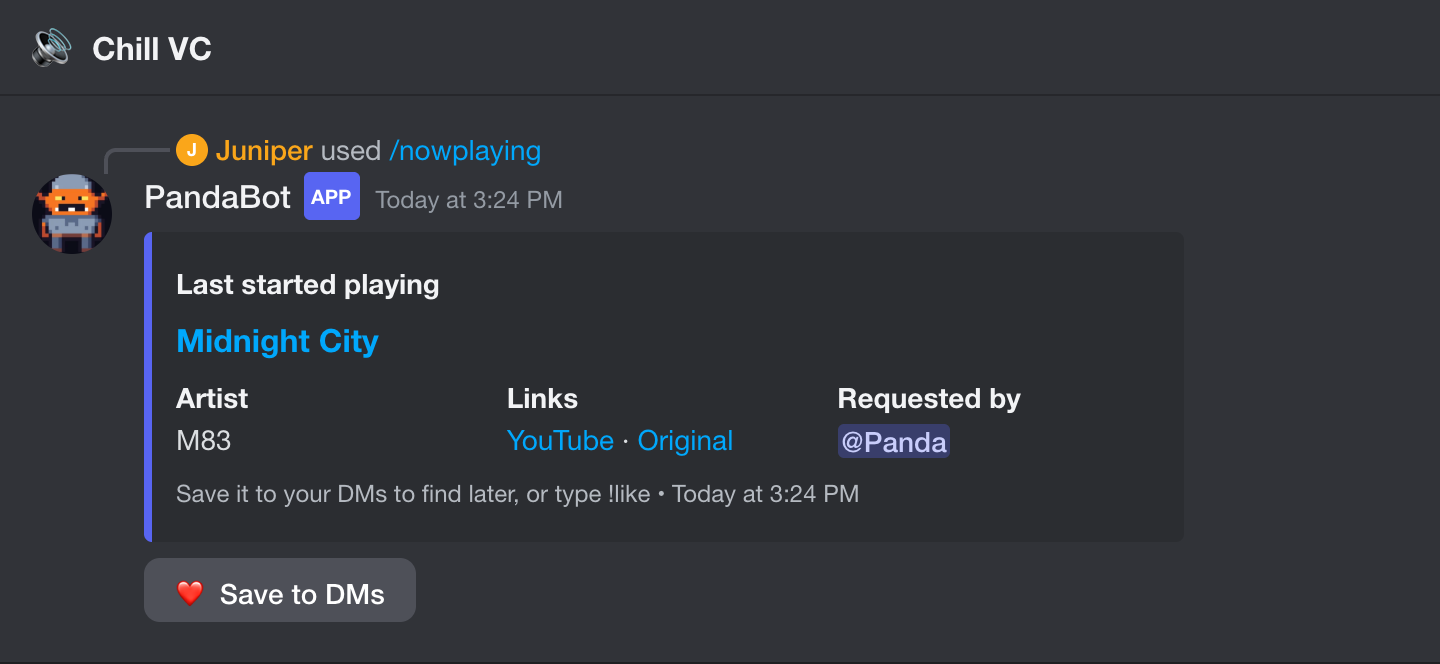
Now-playing cards
When your music bot starts a song, PandaBot posts a card in that voice channel's chat with who requested it and a YouTube link.
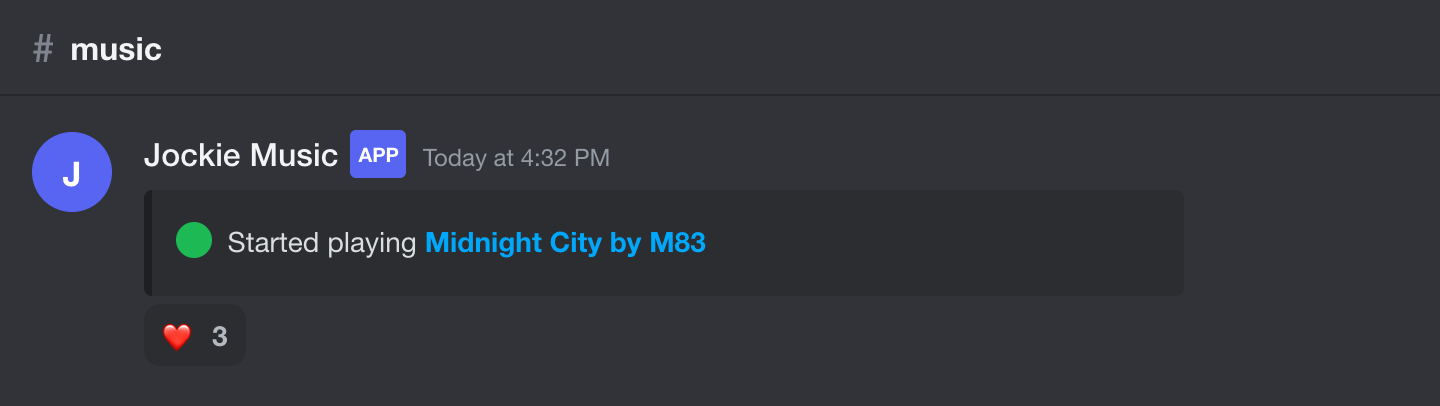
❤️ to save
PandaBot adds a ❤️ under each song your music bot posts. Tap it to save the song.
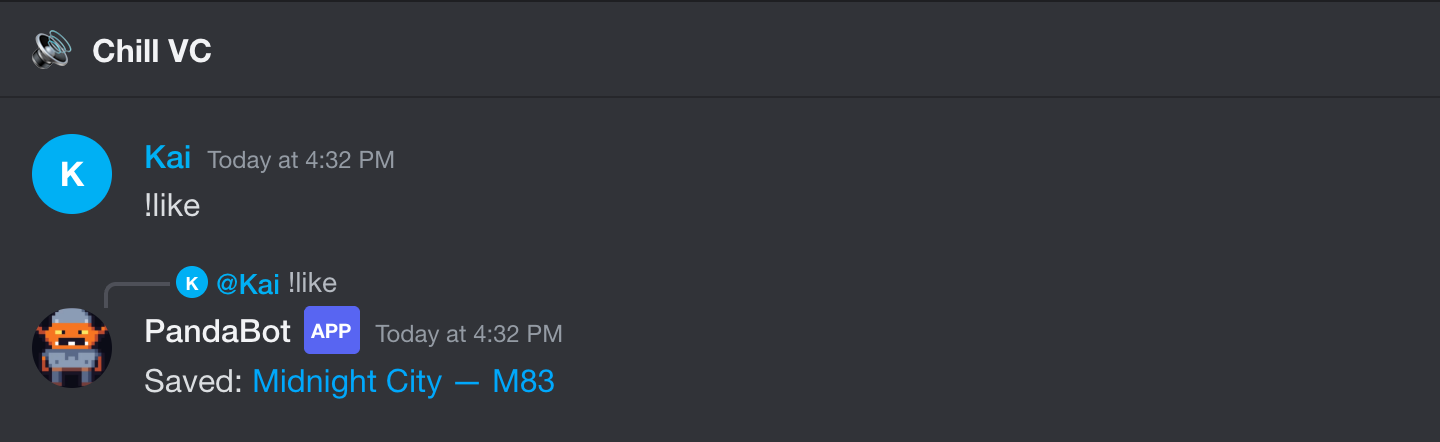
!like
Type !like (or just ❤️ in a music channel) to save whatever is playing.
Your saved songs, in your DMs
Every song you save arrives in your DMs with its links, so your DMs become a running playlist. Remove from list takes it back out.
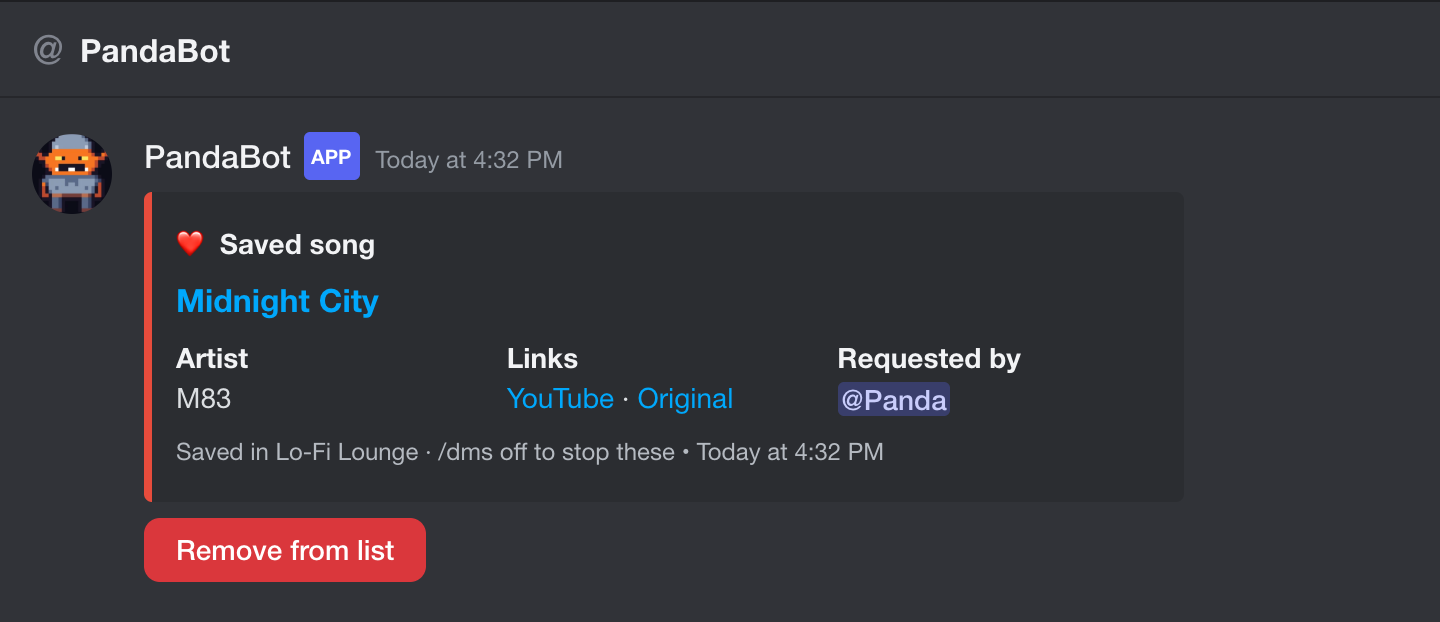
/save
The slash-command version of !like: saves the song that's playing.
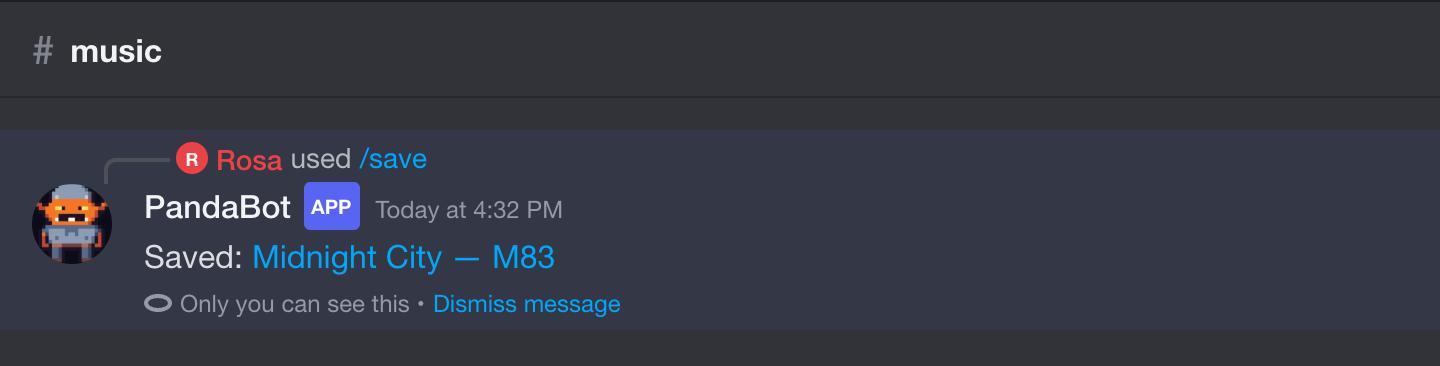
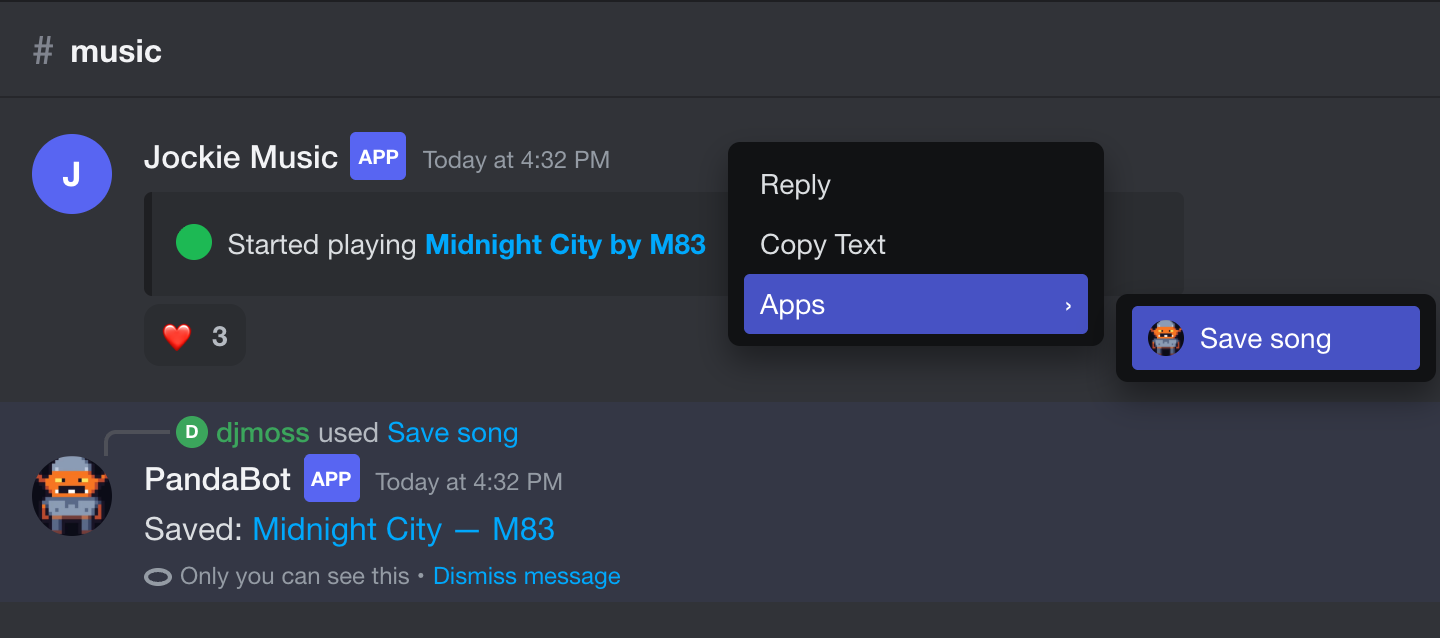
Apps → Save song
Right-click any music-bot message, even an old one, and pick Apps → Save song.
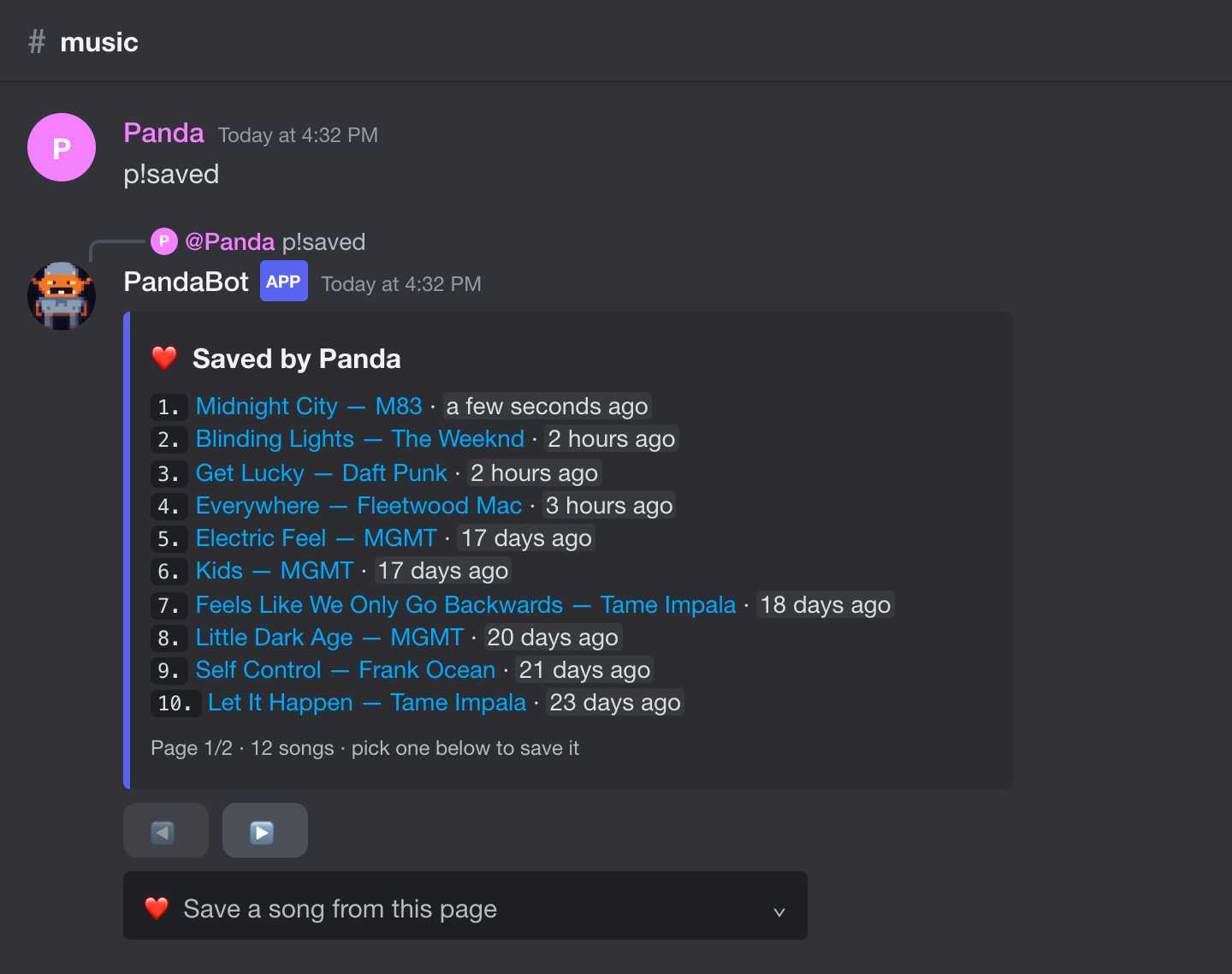
p!saved · /likes
Page through your saved songs (or someone else's: p!saved @name), and save from their list straight into yours.
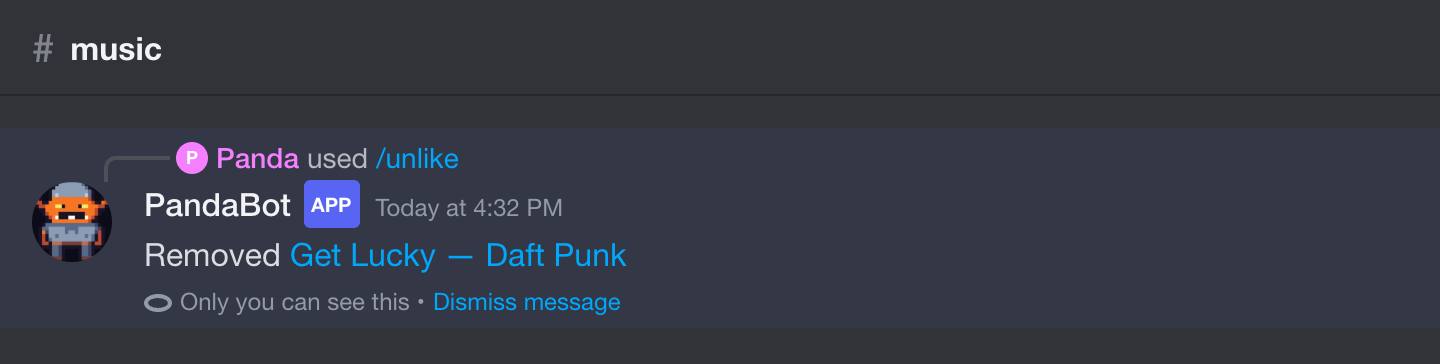
/unlike
Remove a song by its number in p!saved. Its DM card disappears too.
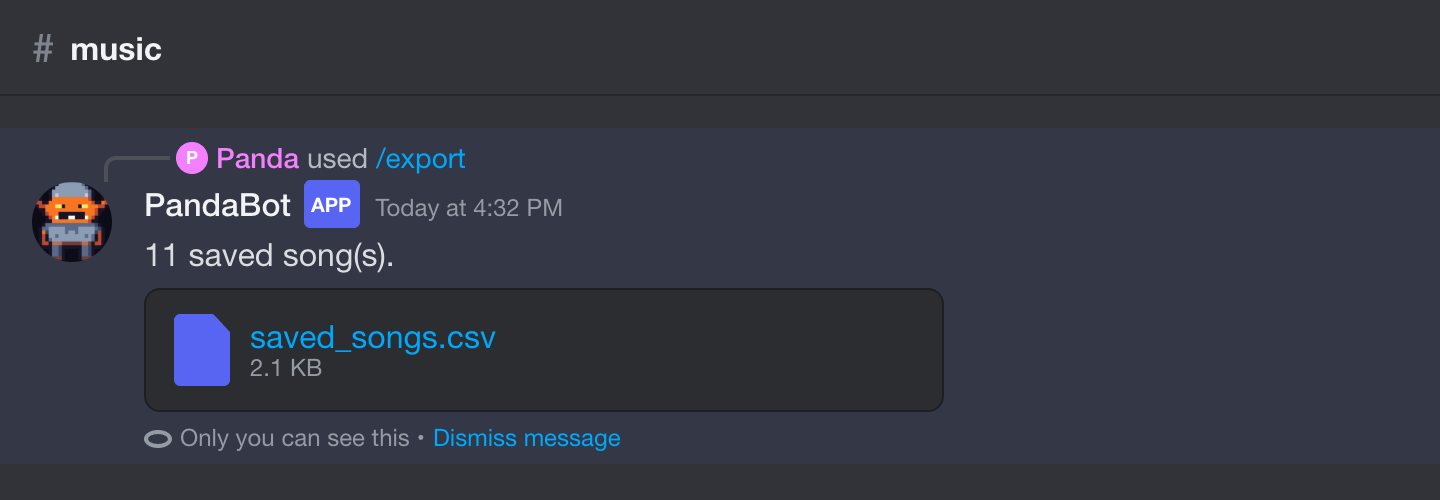
/export
Download your saved songs as a spreadsheet (CSV) with Spotify and YouTube links.
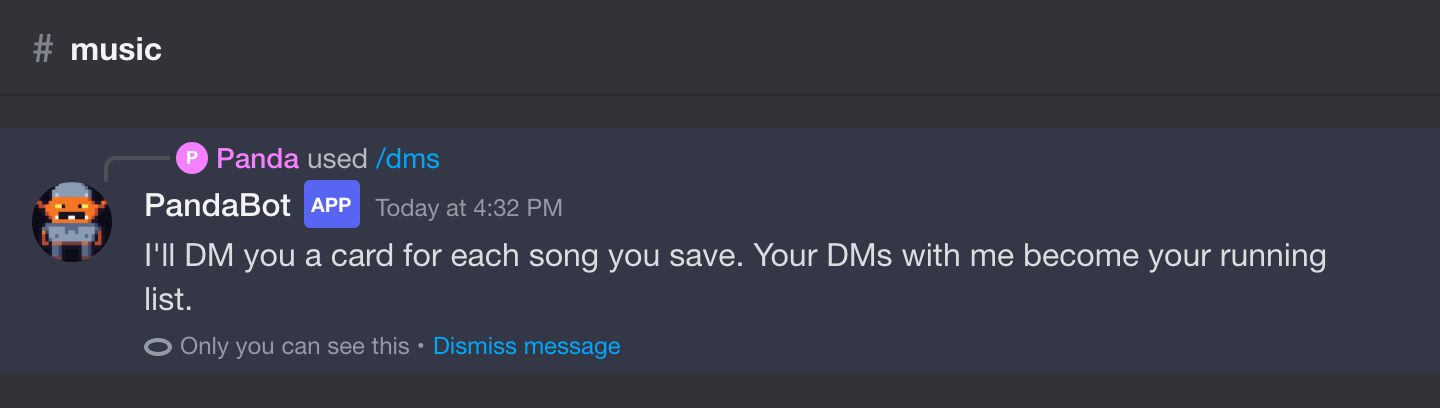
/dms
Turn the DM cards on or off for yourself.
Stats
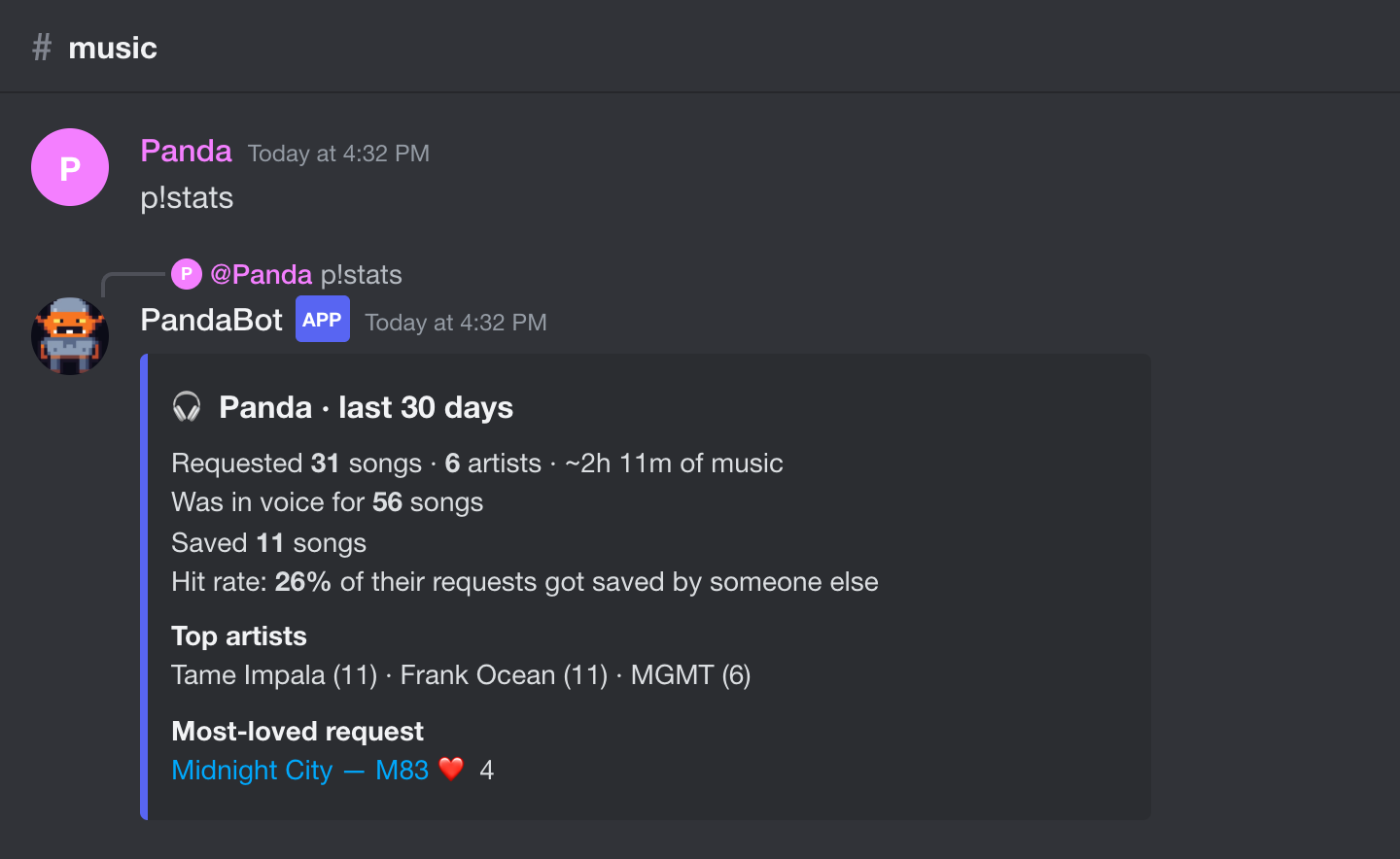
p!stats · /stats
Someone's music profile: requests, top artists, how many saves, and how often other people save the songs they pick. Add @name or a period like 7d.
p!played · /played
Everything someone requested in a time period, with paging and a menu to save any of it.
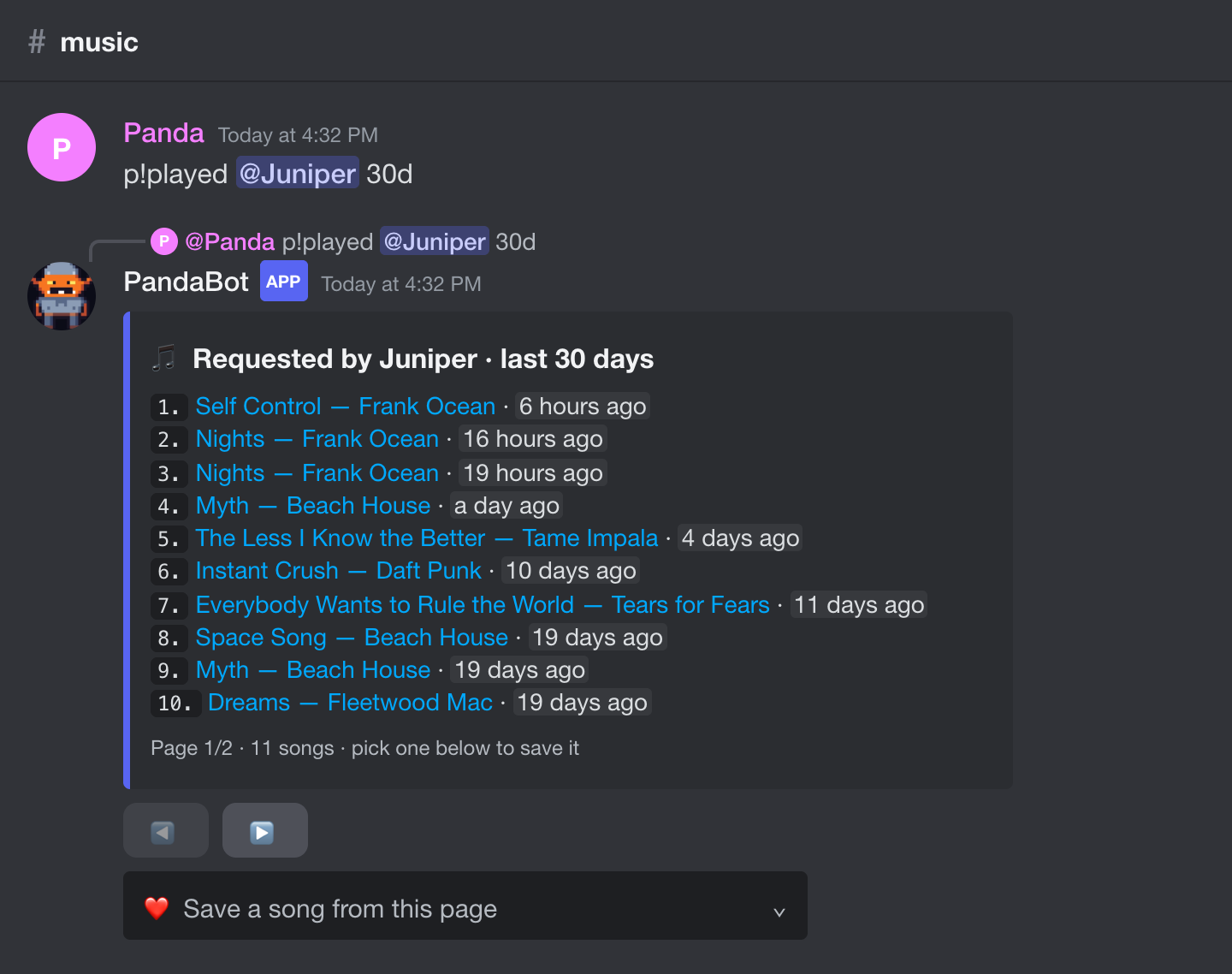
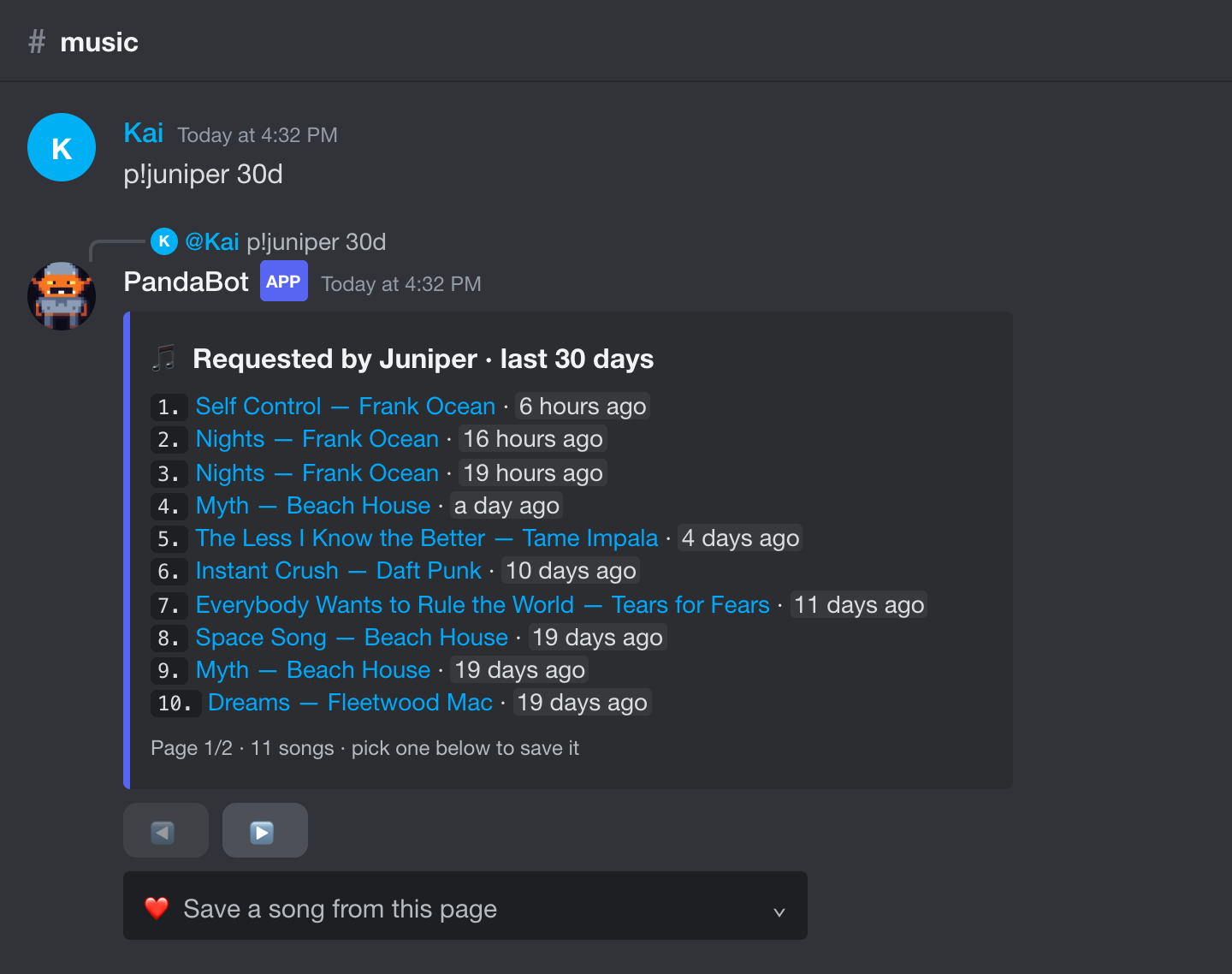
p!<name>
Type someone's name as the command, like p!juniper 30d, to see what they played.
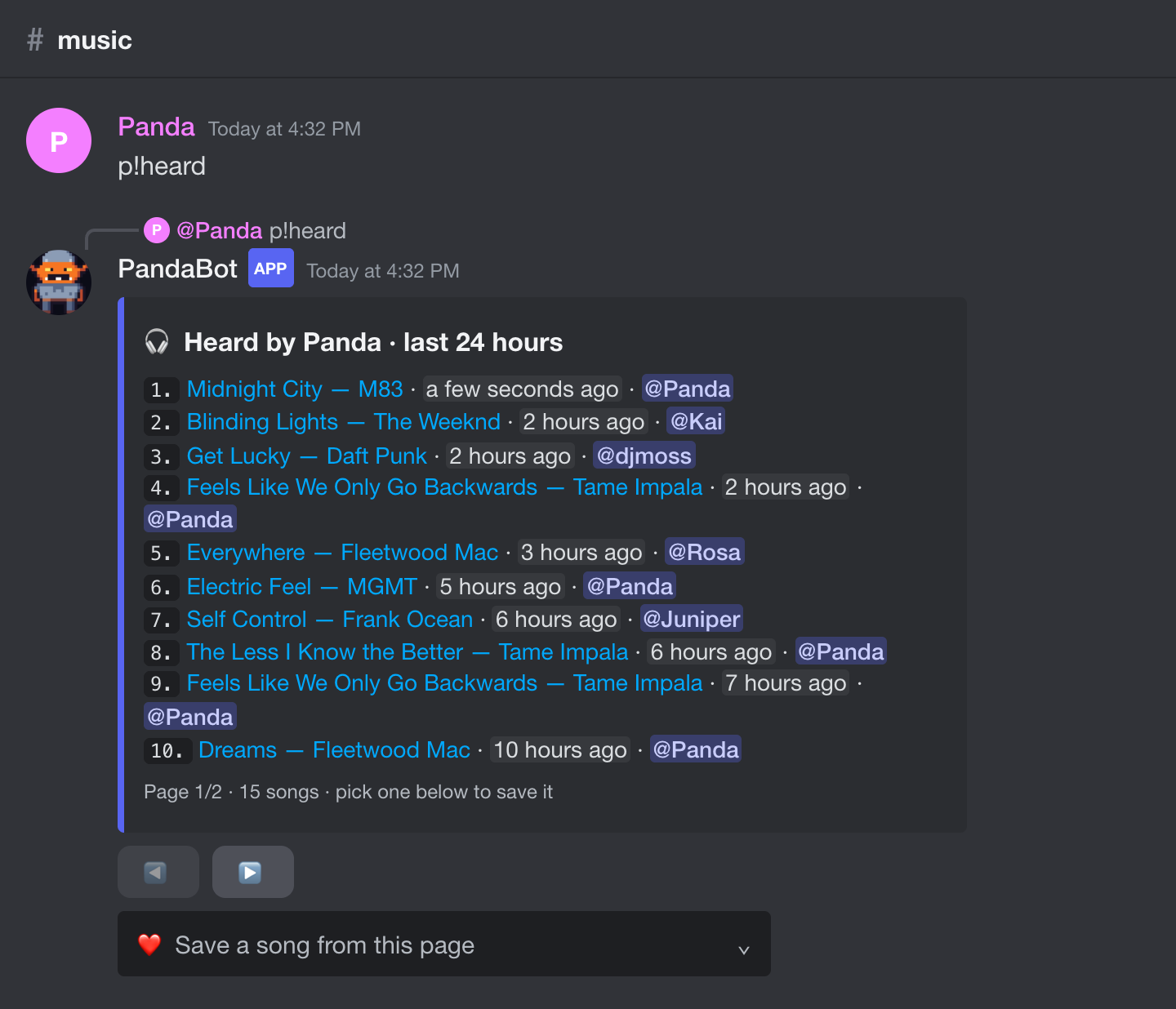
p!heard · /heard
"What was that song?" Everything that played while you were in voice.
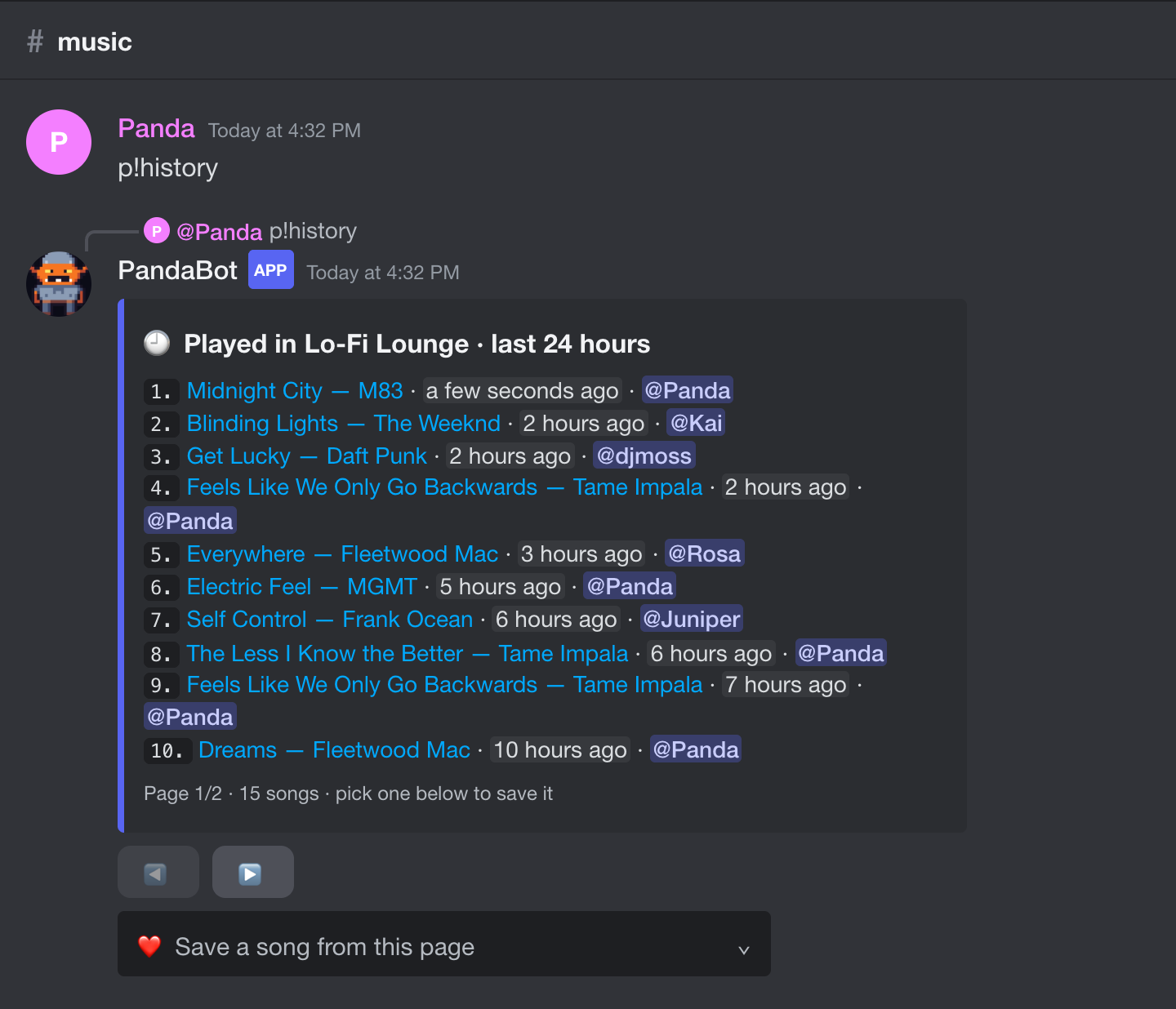
p!history · /history
Everything played in the server, newest first, with who asked for it.
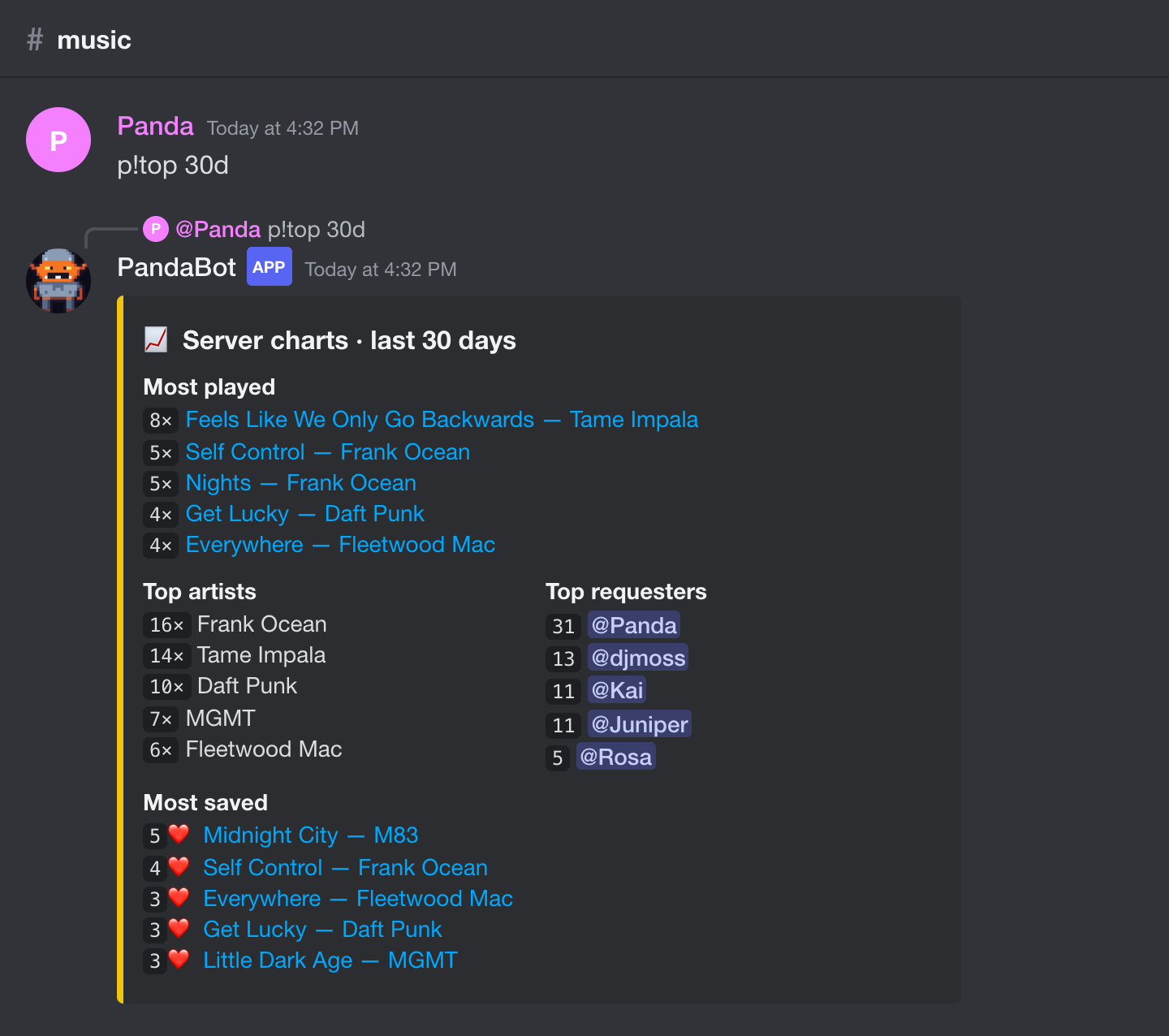
p!top · /top
Server charts: most played songs, top artists, top requesters and the most-saved songs.
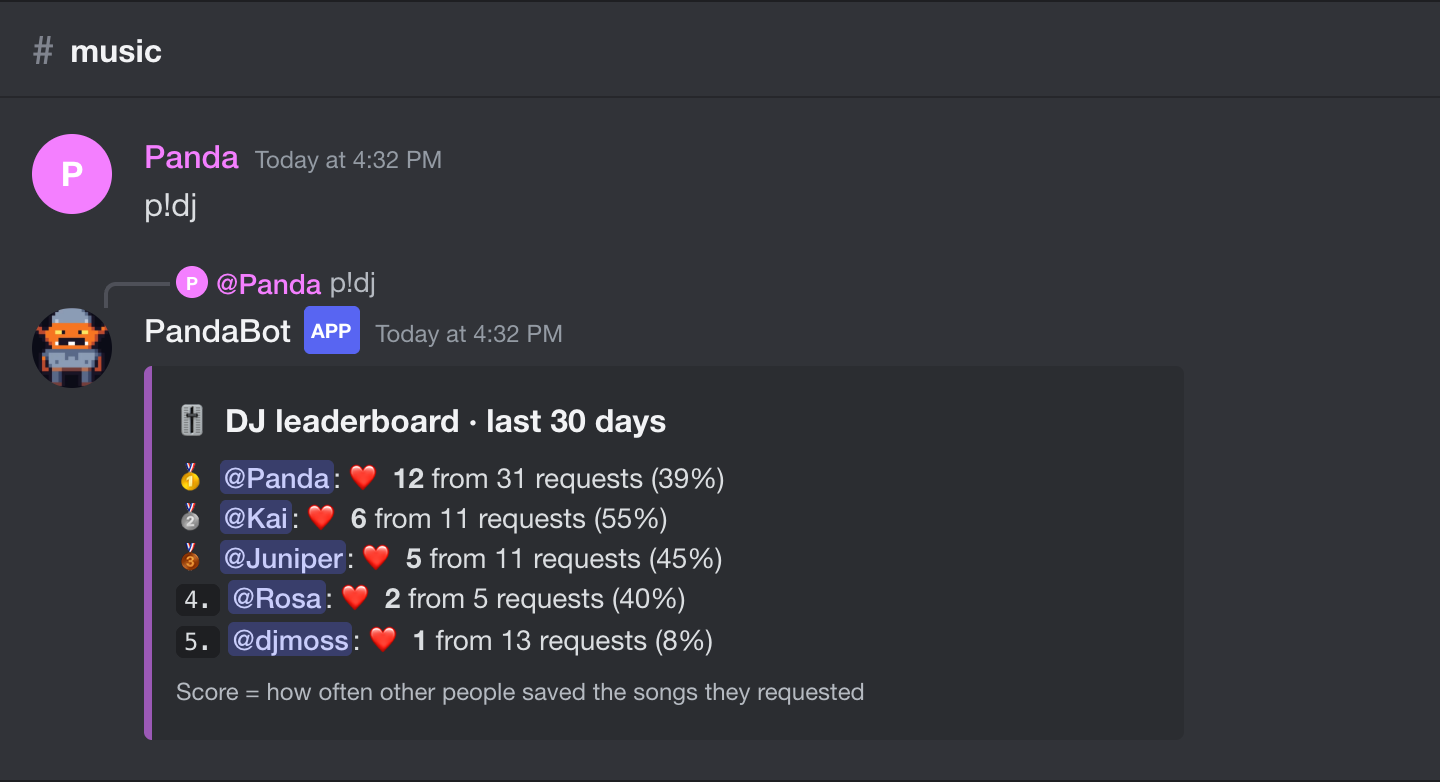
p!dj · /dj
Whose requests other people save the most.
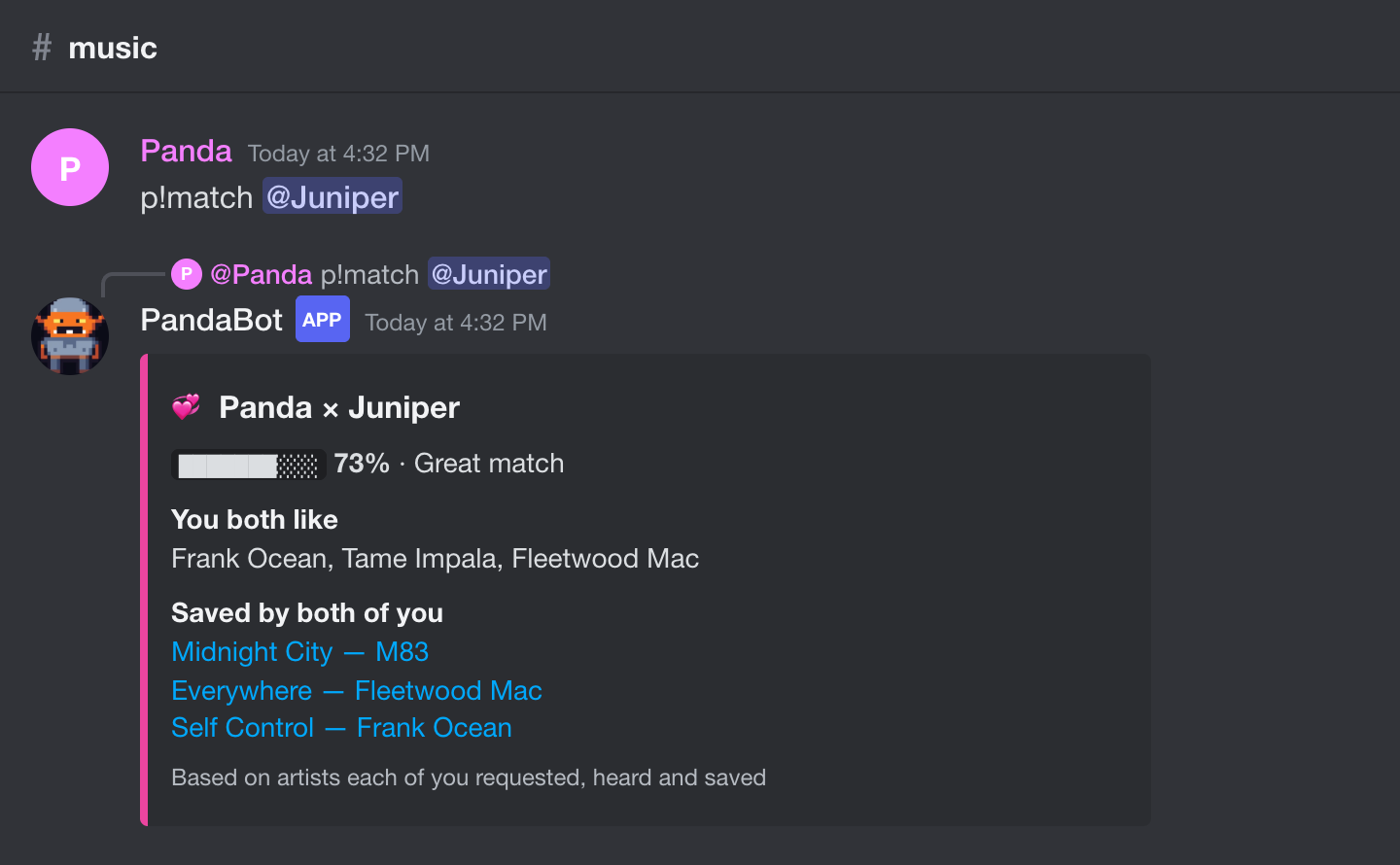
p!match · /match
How well two people's taste lines up, and the artists and songs you share. p!match @a @b compares two other people.
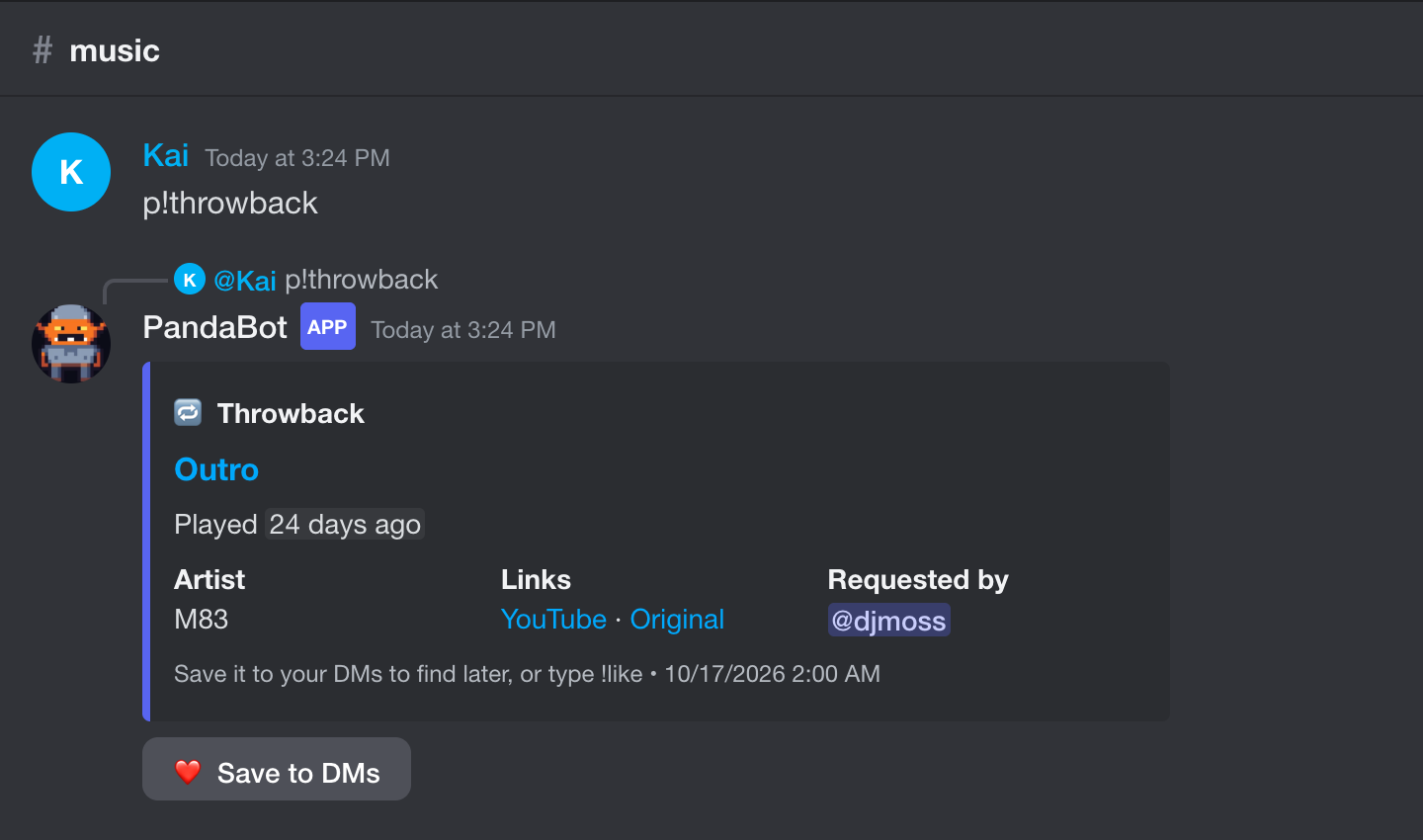
p!throwback · /throwback
A random song from the server's history, with a Save button.
/nowplaying
Show the song that's playing in your voice channel, with a Save button.
Server setup
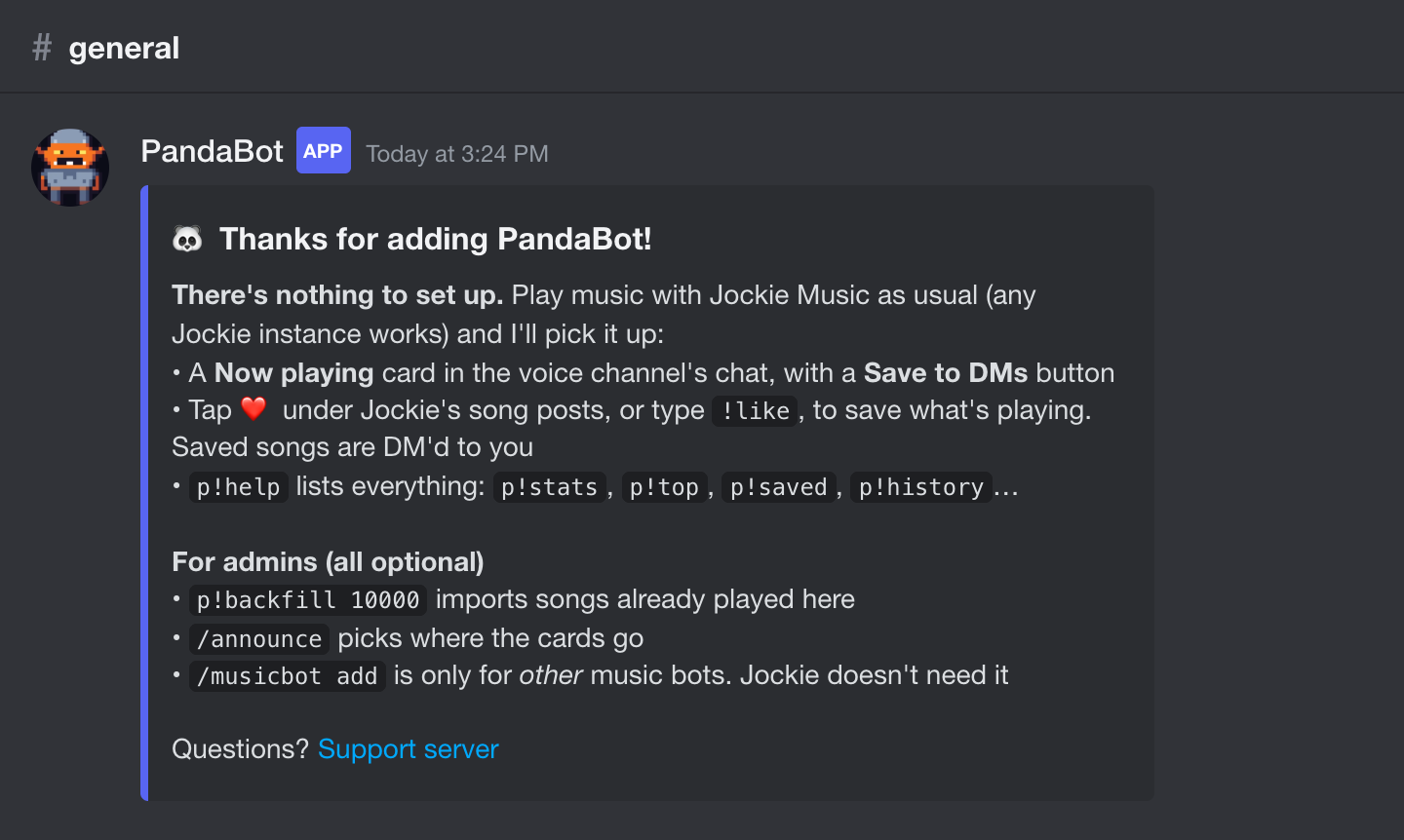
Welcome post
When PandaBot joins a server it posts this once: there's nothing to set up for Jockie.
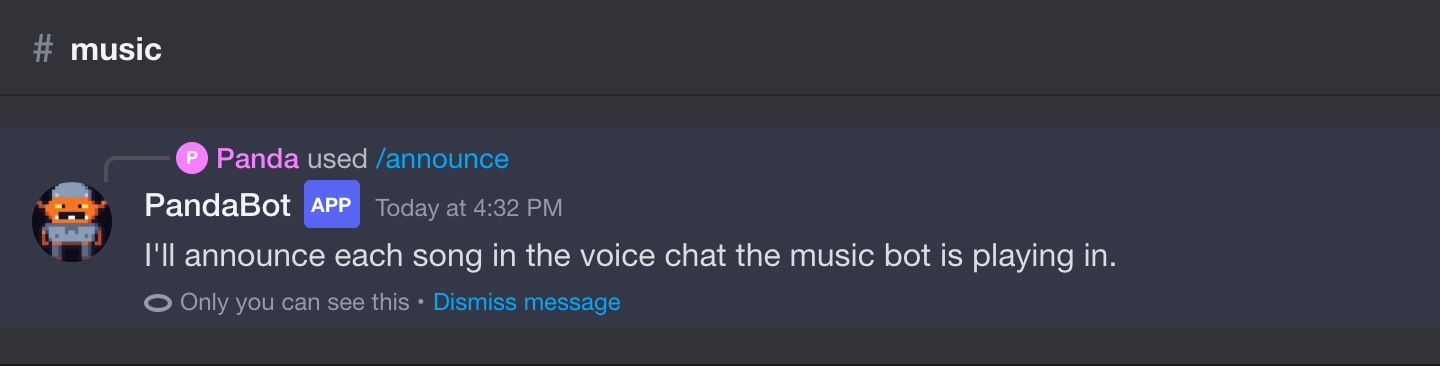
/announce
Choose where song cards go: the voice chat the music bot is in, one fixed channel, or nowhere.
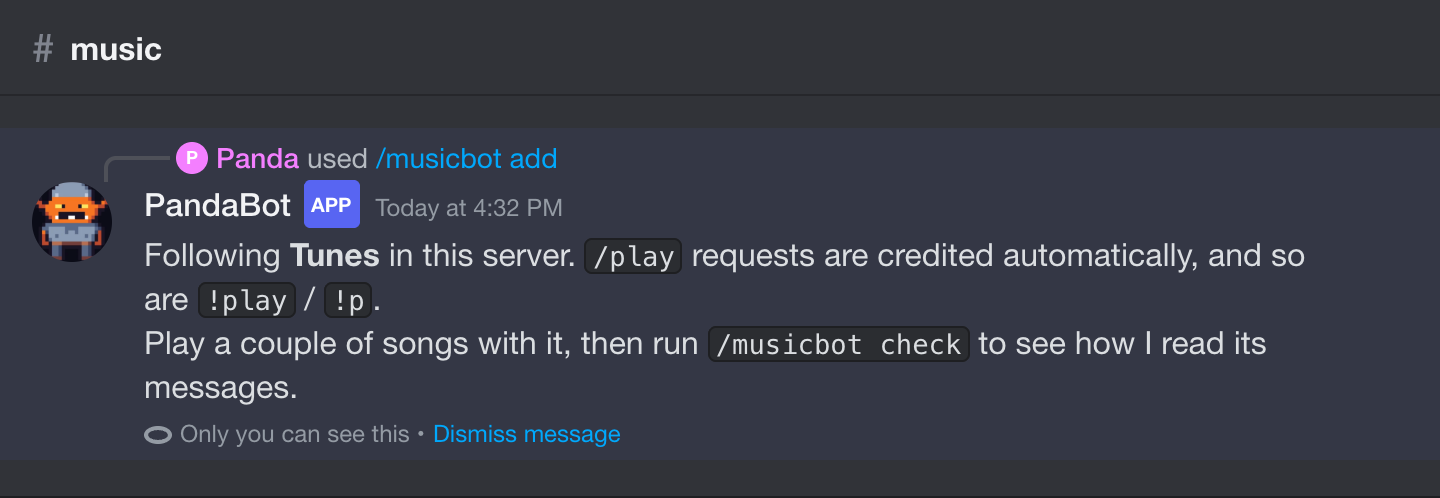
/musicbot add
Jockie Music works out of the box. Follow other music bots, and their text-command prefix, here.
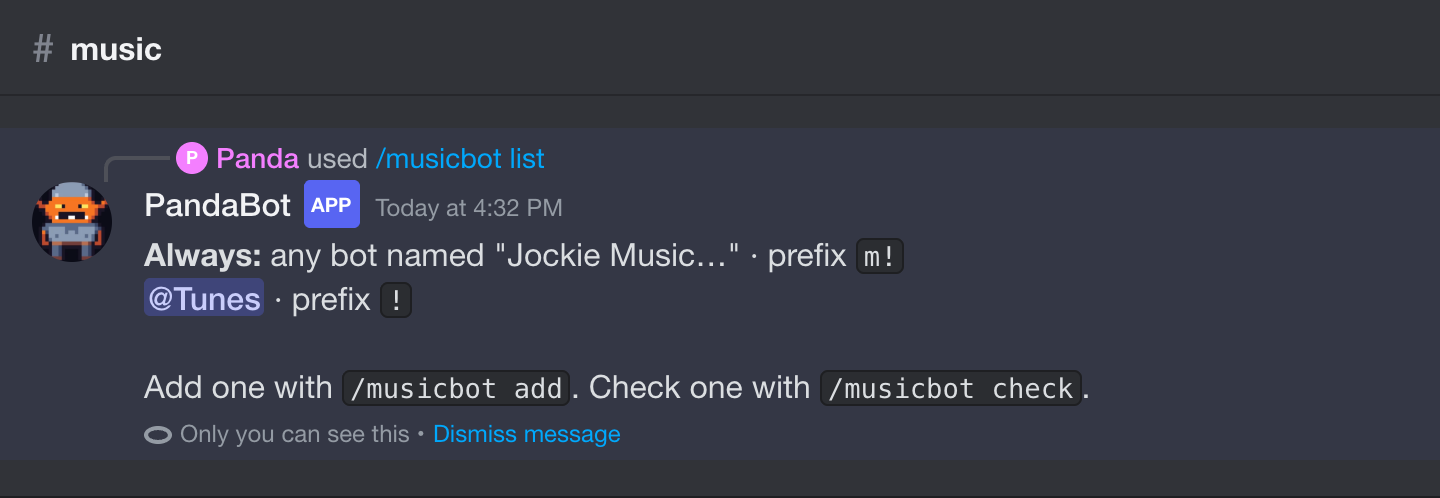
/musicbot list
The music bots PandaBot follows in this server.
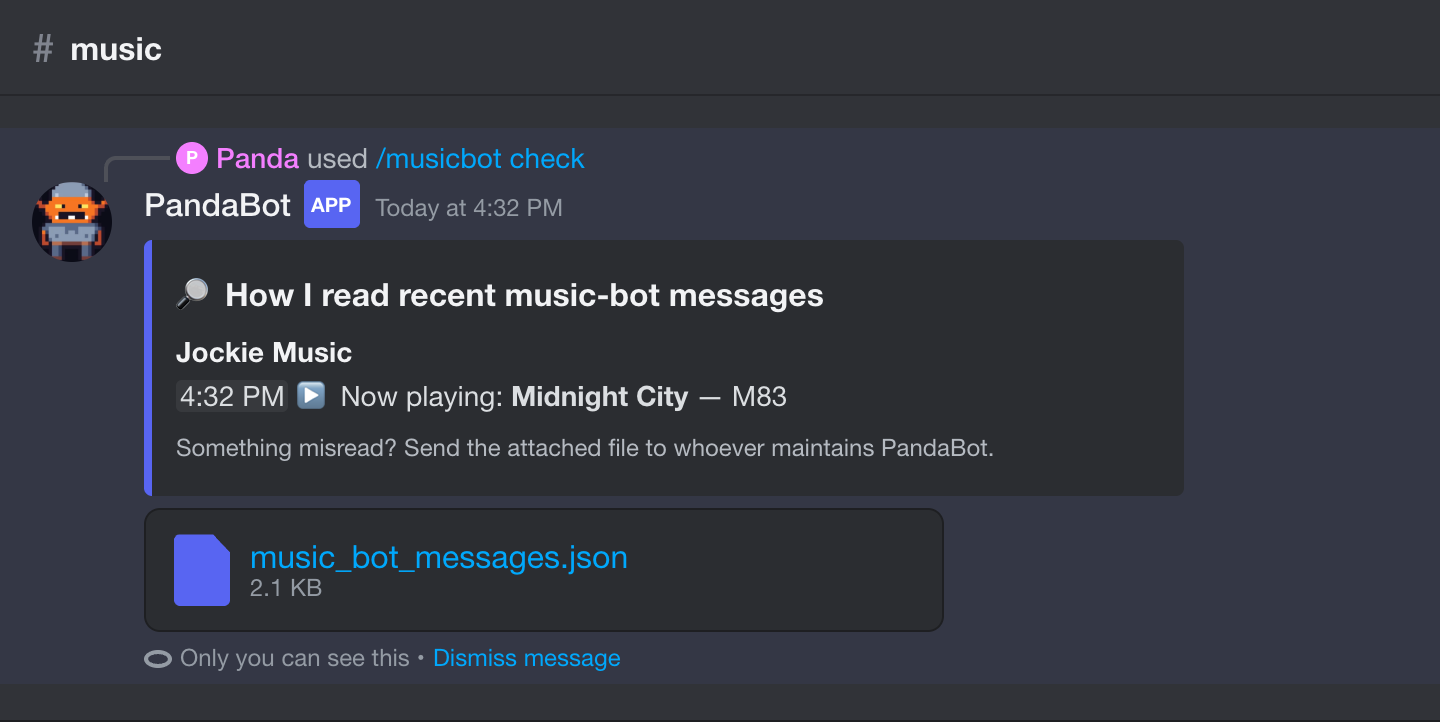
/musicbot check
See exactly how PandaBot read a music bot's last few messages, to check a new bot works.
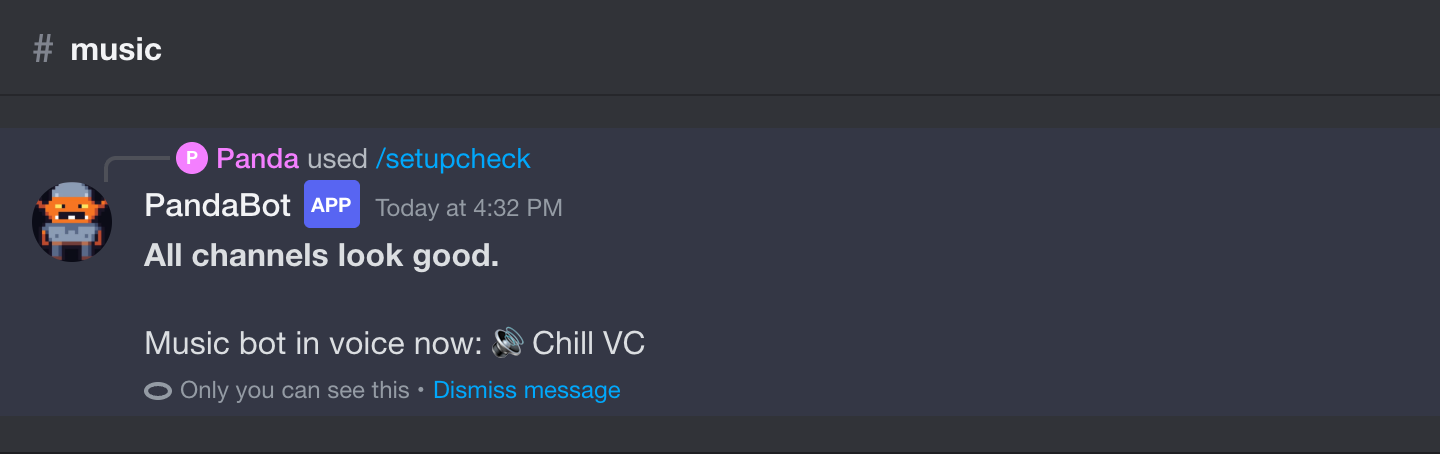
/setupcheck
Finds channels PandaBot can't see or post in, since missing permissions otherwise fail silently.
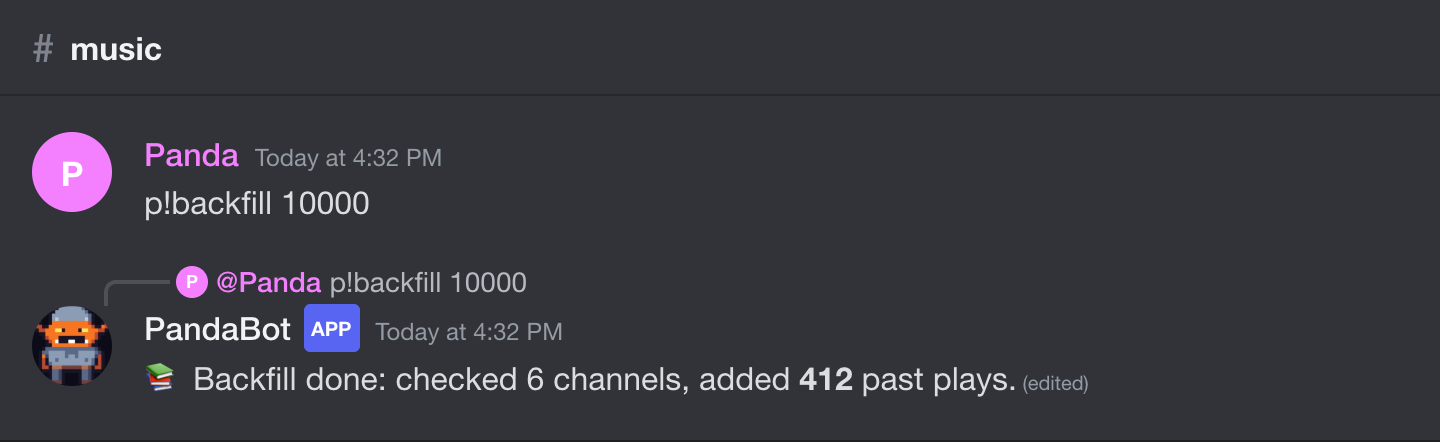
p!backfill · /backfill
Reads back through old messages so the server's past songs show up in stats from day one.
Everything else
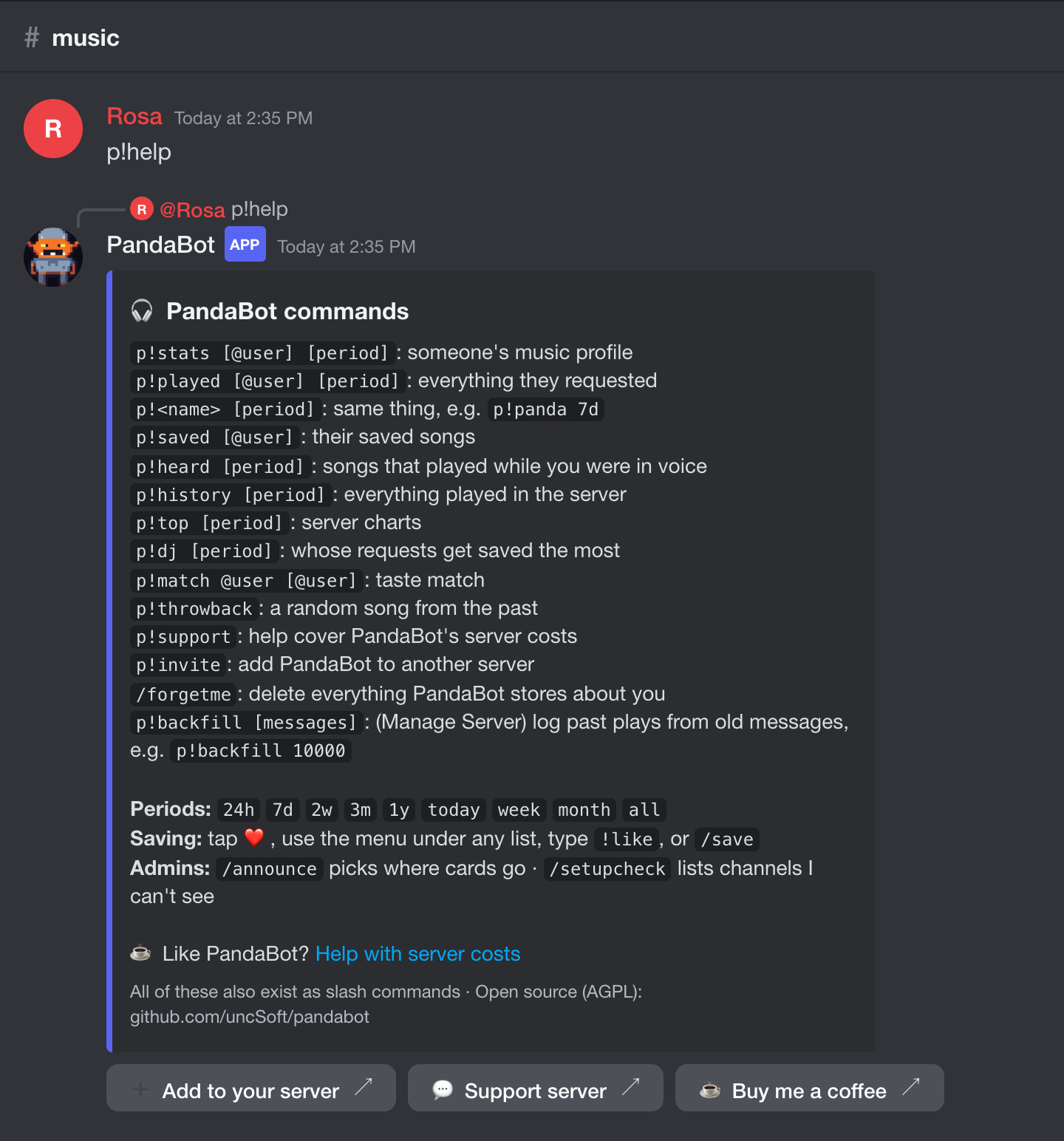
p!help
Every text command on one card. They all exist as slash commands too.
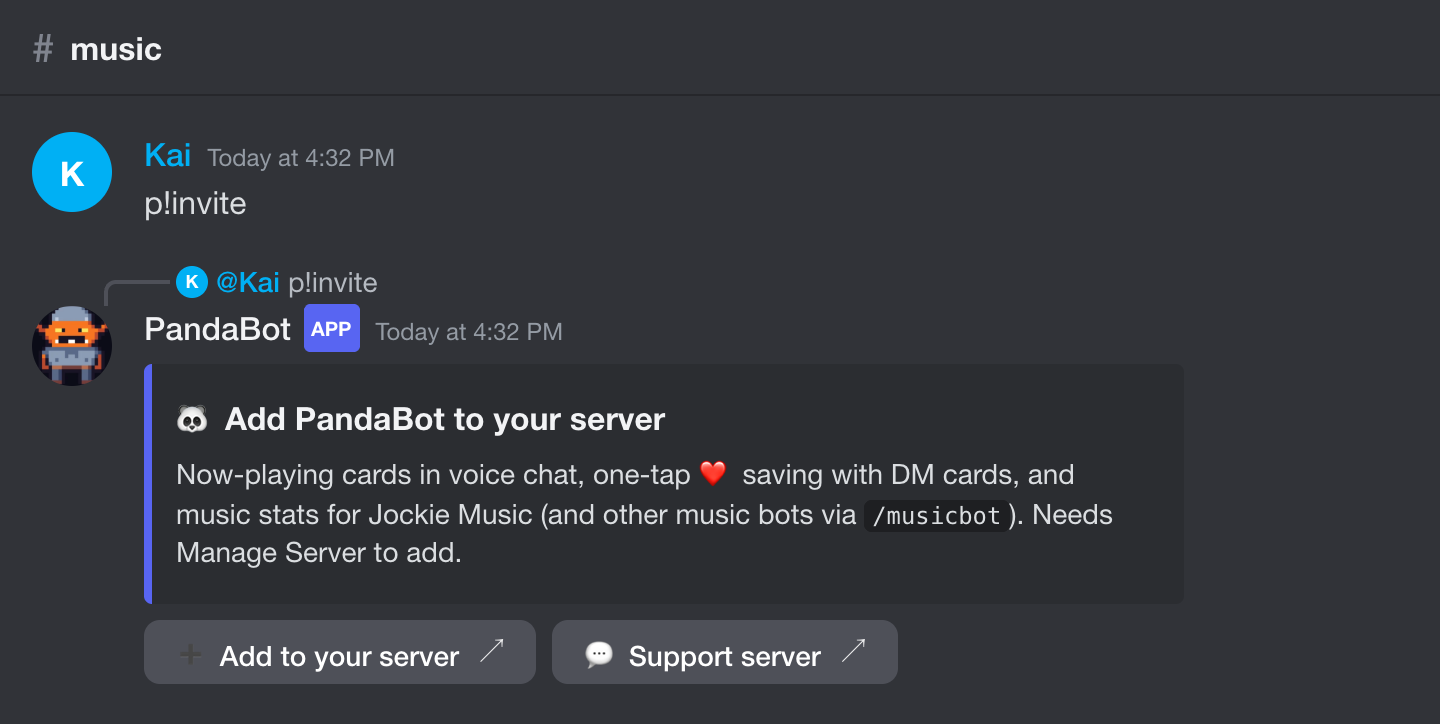
p!invite · /invite
A link to add PandaBot to another server.
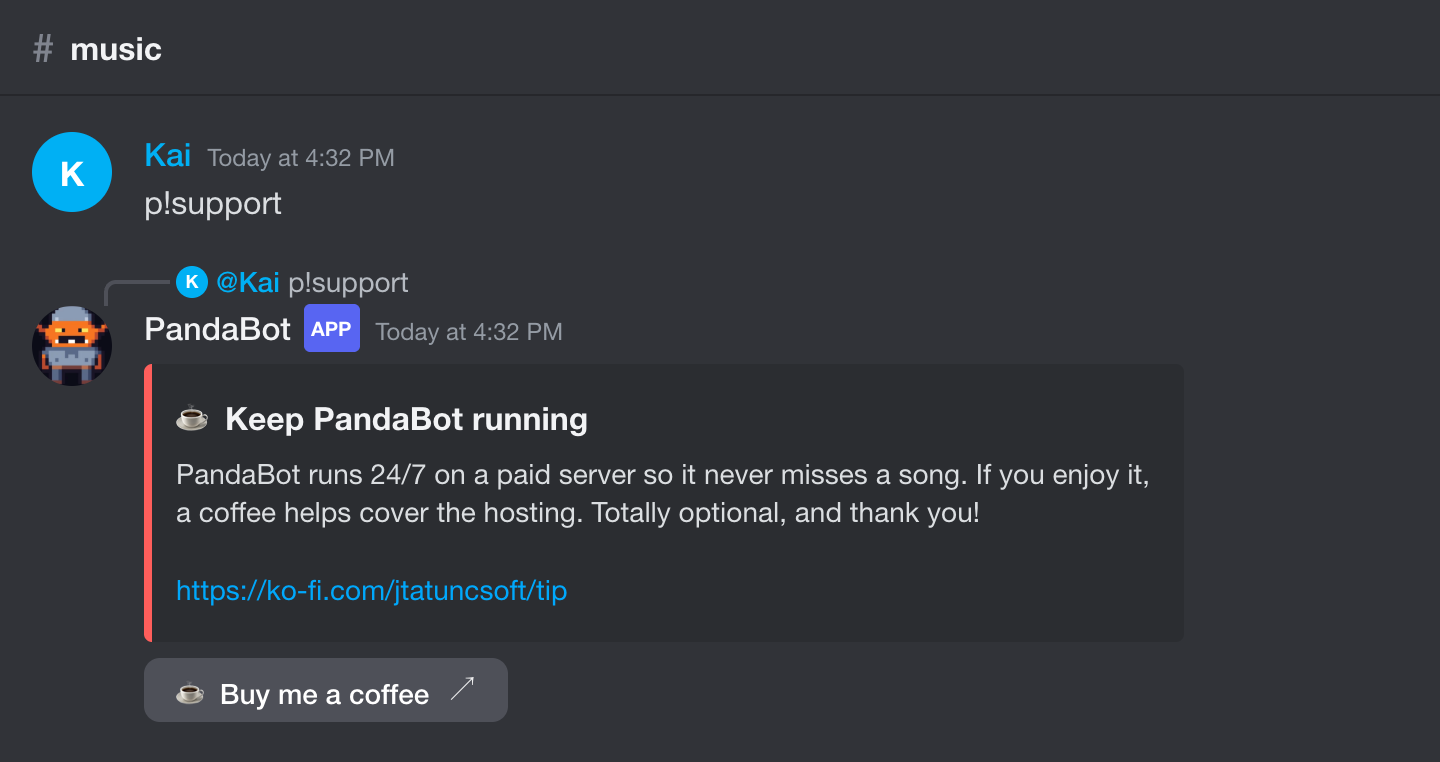
p!support · /support
PandaBot is free. If you'd like to help with the hosting bill, there's a tip jar.
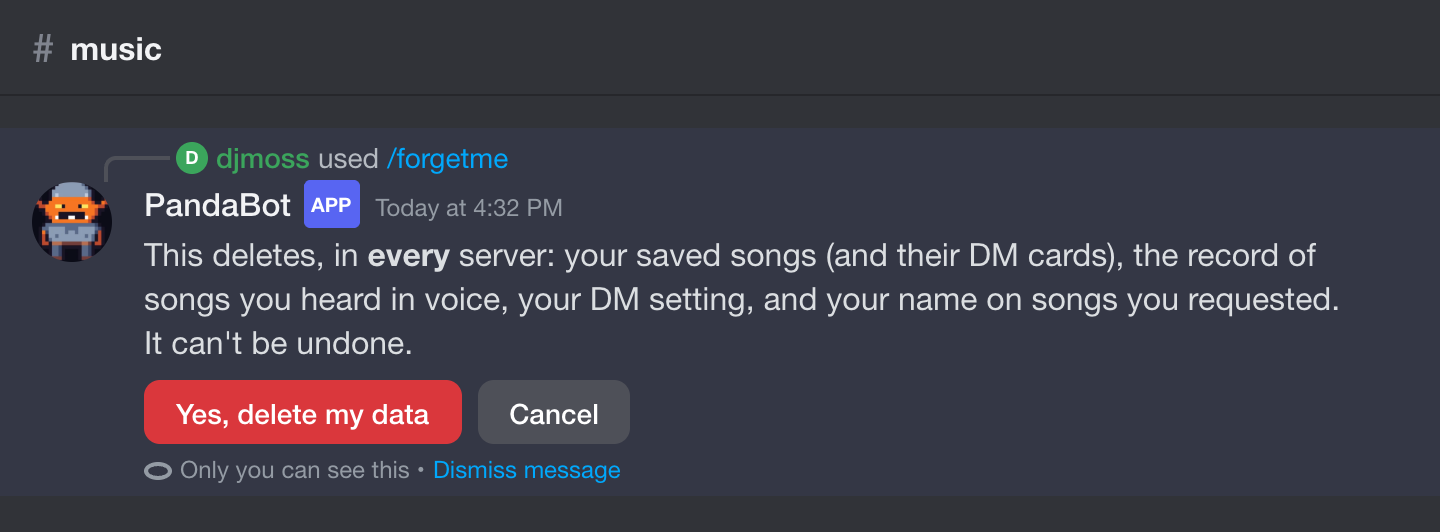
/forgetme
Deletes everything PandaBot stores about you, in every server, after you confirm.